How to explore ZFeed in ZFour HRMS: Mobile Application
How to explore ZFeed in ZFour HRMS
ZFour Mobile Application
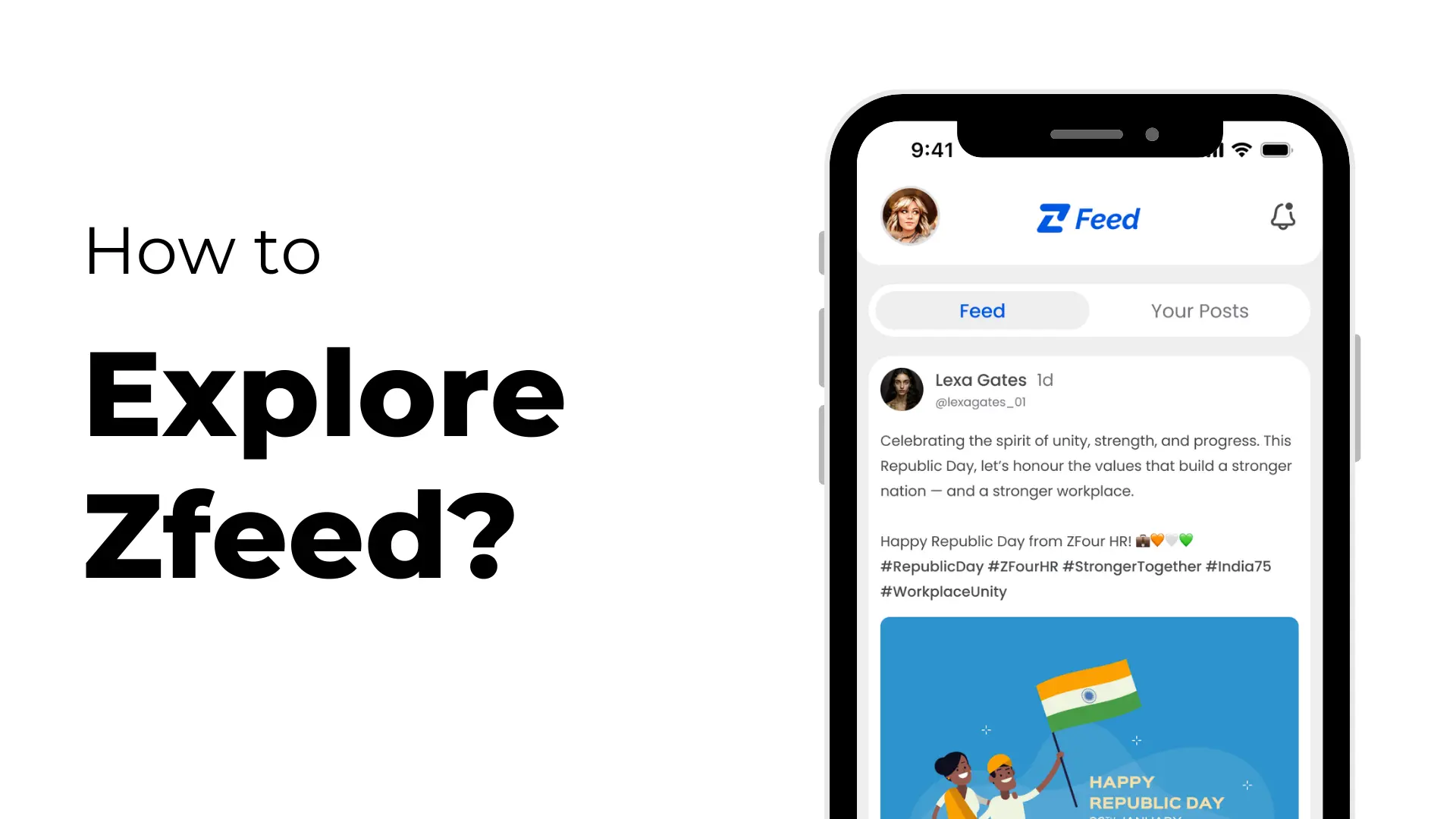
Looking to spice up your workday and connect with colleagues? ZFeed, available inside the ZFour HRMS mobile application, brings a social network experience directly to your company’s workforce. Whether you want to catch up on workplace news, share ideas, or engage with your team, ZFeed makes it fun and easy.
Getting Started with ZFeed in ZFour HRMS
First, log in to your ZFour HRMS mobile app using your employee credentials. From the navigation bar, simply tap the “Z” icon. This instantly opens up ZFeed—your gateway to company-wide posts and interactions.
Key Features of ZFeed
1. View Posts from Colleagues: ZFeed lets you browse and view posts shared by other employees in your organization. Stay updated with announcements, project highlights, achievements, and more—right from your mobile device.
2. Share Your Own Posts: Want to celebrate a milestone, ask a question, or share a helpful resource? ZFeed allows you to upload posts for your coworkers to see. Express yourself and contribute to the workplace community.
3. Edit or Delete Your Posts: Made a typo or need to update information? No worries—you can edit your post any time. And if you want to remove it, deletion is just a tap away.
------------------------------------------------------------------------------------------------------------------------
ZFeed transforms your HRMS into a dynamic, social space where employees can interact, collaborate, and build connections beyond routine HR tasks. Experience a workplace that’s more engaged, transparent, and fun—all thanks to ZFour HRMS and ZFeed.
Ready to connect with your team?
Activate ZFeed and start posting today!