8 min read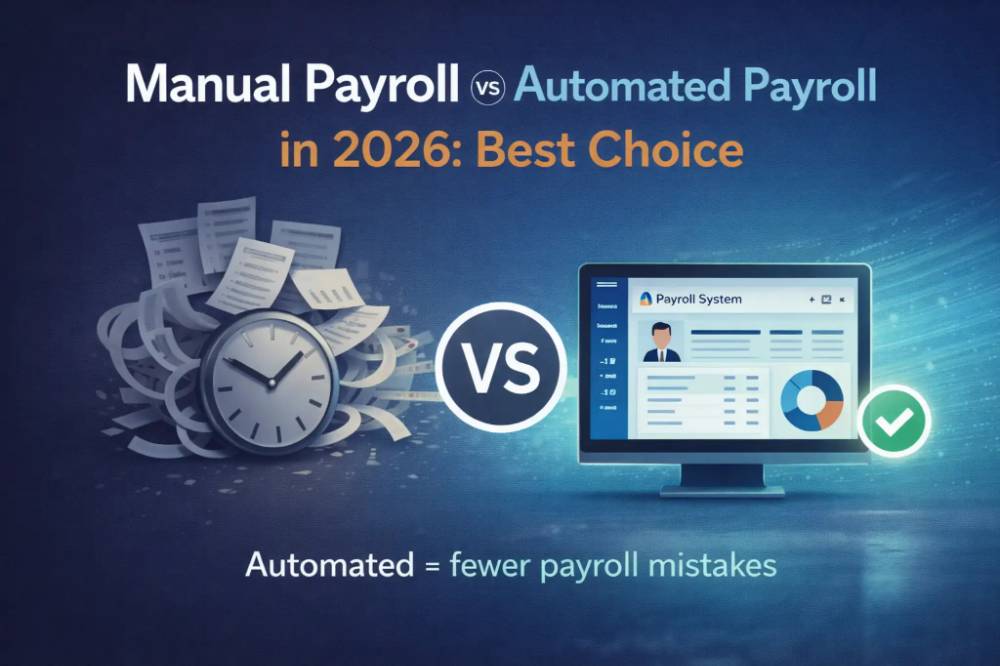
This article compares manual payroll vs automated payroll in 2026 based on cost, processing time, accuracy, compliance, scalability, and employee experience.
Payroll rarely gets attention when it works. It gets attention the moment it doesn't have a late salary, a wrong PF deduction, or a payslip nobody can find during an audit. That's usually the moment a business starts asking whether manual payroll is still "good enough for now."
This guide goes beyond a surface-level comparison. It breaks down what manual and automated payroll actually cost when you account for staff hours and error risk, which approach is better suited to India's PF, ESI, and TDS compliance requirements, and how to know—with a practical checklist, not a guess—when your business has outgrown spreadsheets.
Quick Answer: Manual Payroll vs Automated Payroll
Manual payroll relies on spreadsheets, manual calculations, approvals, and separate compliance tracking. Automated payroll uses software to calculate salaries, deductions, statutory contributions, payslips, and payroll records through connected workflows. For businesses with growing employee numbers or complex compliance requirements, automated payroll can reduce repetitive work and improve consistency. Compliance complexity, not just headcount, is often the real trigger for switching from spreadsheets to payroll software.
What Is Manual Payroll?
Definition: Manual payroll is the process of calculating employee salaries, deductions, and statutory contributions using spreadsheets, registers, or calculators instead of dedicated software.
It typically involves a mix of Excel formulas, attendance registers, and a person (often the owner or one HR generalist) manually reconciling numbers before every payday.
Common manual payroll tasks:
Collecting attendance from biometric registers, muster rolls, or WhatsApp updates
Calculating overtime and shift differentials by hand
Applying PF, ESI, professional tax, and TDS deductions manually
Creating payslips one employee at a time
Maintaining salary history in separate files, often with no single source of truth
This approach can work when a team is small and salary structures are simple. The strain shows up as headcount, deduction types, and locations increase — not because the person running payroll becomes careless, but because manual reconciliation doesn't scale linearly with complexity.
What Is Automated Payroll?
Definition: Automated payroll is software-driven salary processing that calculates gross pay, deductions, statutory contributions, and net pay automatically, then generates payslips and compliance reports without manual re-entry.
Modern platforms go further than calculation. They sync with attendance and leave systems, apply updated tax slabs automatically, and centralize employee records so HR isn't rebuilding the same spreadsheet every month.
Typical automated payroll features:
Automatic salary, deduction, and statutory calculations
Instant payslip generation and employee self-service access
Attendance and leave data sync (no manual re-entry)
PF, ESI, professional tax, and TDS computation aligned to current rules
One-click payroll reports and audit trails
Centralized employee records across departments and locations
Integrated platforms such as ZFour HRMS combine payroll with attendance, leave, and HR record-keeping in a single dashboard, so payroll isn't operating as a disconnected monthly ritual.
Manual vs Automated Payroll: Full Comparison
Factor | Manual Payroll | Automated Payroll |
|---|---|---|
Processing time | Slower — every calculation, check and payslip is done by hand each cycle | Faster — pay, deductions and payslips are generated from attendance and salary data |
Accuracy | Dependent on manual double-checking | High, rules-based calculation |
Payslip generation | Created one by one | Instant, self-service access |
Compliance tracking | Manual follow-up on rate changes | Configured compliance rules and reminders |
Reporting | Time-consuming, rebuilt each cycle | One-click, standardized reports |
Scalability | Breaks down as headcount grows | Scales across locations and teams |
Audit readiness | Records scattered across files | Centralized, timestamped audit trail |
Team dependency | High—tied to one person's availability | Lower—process survives staff turnover |
Employee experience | Delayed answers on payslips, deductions | Self-service access, faster resolution |
Benefits and Limits of Manual Payroll
Manual payroll isn't automatically the wrong choice—it depends entirely on scale and complexity.
When manual payroll still makes sense:
Team size under 5 employees
Fixed salaries with few monthly changes
Minimal statutory deductions to track
Early-stage or temporary business setup
Genuine advantages:
No software subscription to budget for immediately
Full manual control over every entry
Familiar spreadsheet workflow, no learning curve
The hidden costs that don't show up on a budget sheet:
Hours spent auditing formulas after every cycle
Rework when a single deduction error surfaces
Salary delays when the one person who "knows payroll" is unavailable
Difficulty reconstructing records during a PF or ESI audit
Month-end stress that compounds as the team grows
Benefits of Automated Payroll
1. Faster monthly payroll. Manual payroll can take substantially more time when attendance, leave, overtime, and deductions require repeated reconciliation. With automation, some of these repetitive steps can be reduced to a shorter review-and-approval workflow.
2. Fewer errors. Rules-based calculation removes the most common failure points: duplicate entries, mismatched attendance, and manual formula mistakes.
3. Easier compliance management. PF, ESI, professional tax, and TDS obligations are easier to track when the system flags rate changes and filing deadlines instead of relying on someone remembering them.
4. Better employee experience. Employees get faster access to payslips and clearer answers on deductions, which reduces the volume of "why is my salary short" queries HR has to field.
5. A more strategic HR function. When HR isn't spending days reconciling spreadsheets, that time goes toward hiring, retention, and other work that actually grows the business.
Learn more about how modern HRMS platforms support payroll automation in our HR Payroll Software: Complete Guide for Businesses (2026).
The 5 Payroll Processing Steps
Regardless of whether payroll is manual or automated, it follows the same five stages:
Collect inputs — attendance, leave, overtime, bonuses, and reimbursements
Calculate gross salary — base pay plus allowances and incentives
Apply deductions — PF, ESI, professional tax, TDS, loan recoveries, unpaid leave
Finalize net salary — the amount actually payable after all deductions
Generate outputs — payslips, statutory reports, and salary registers
What changes between manual and automated payroll isn't the steps themselves—it's how much manual re-entry and cross-checking happens between each one.
Worked Example: One Employee’s Monthly Payroll
Here’s what payroll involves for a single employee in one month. The figures use standard PF and ESI rates. Professional Tax and TDS are left out because they depend on the state and the employee’s tax regime.
Employee details
Gross monthly salary: ₹20,000
Basic + DA: ₹10,000 (50% of gross, in line with the Labour Codes’ definition of wages)
Full month worked, no overtime
Component | Calculation | Amount |
|---|---|---|
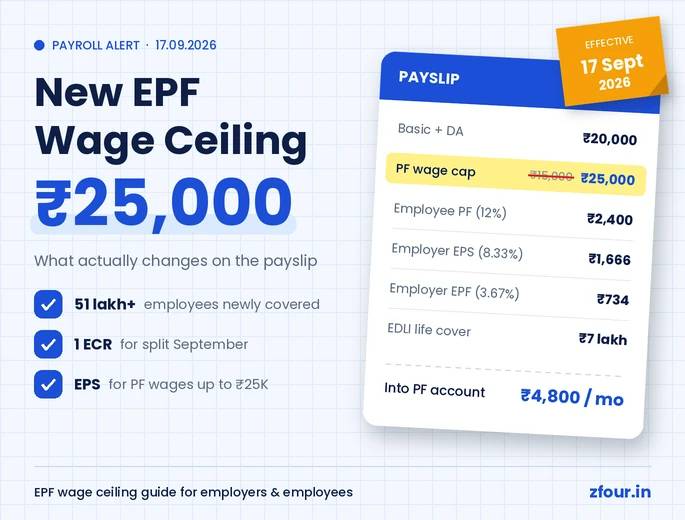
Employee PF | 12% of ₹10,000 | ₹1,200 |
Employee ESI | 0.75% of ₹20,000 | ₹150 |
Net pay to employee | ₹20,000 − ₹1,200 − ₹150 | ₹18,650 |
Employer PF | 12% of ₹10,000 (₹833 to EPS + ₹367 to EPF) | ₹1,200 |
EPF admin charges | 0.5% of ₹10,000 | ₹50 |
EDLI | 0.5% of ₹10,000 | ₹50 |
Employer ESI | 3.25% of ₹20,000 | ₹650 |
Total cost to employer | ₹20,000 + ₹1,200 + ₹50 + ₹50 + ₹650 | ₹21,950 |
Why this matters at scale: with 25 employees, HR repeats this for every person, every month, each with a different salary. One unrecorded leave day changes gross pay, which changes ESI and net pay. A salary revision changes PF. A new joiner may cross the ₹21,000 ESI limit. In a spreadsheet each of these has to be caught and corrected by hand. Payroll software recalculates them automatically from attendance and salary records.
Rates shown are standard EPF and ESIC rates. Confirm current rates on the EPFO and ESIC portals before each payroll cycle.
Cost Comparison: What Each Option Really Costs
Cost Type | Manual Payroll | Automated Payroll |
|---|---|---|
Upfront cost | Low | Moderate (subscription-based) |
Time cost | High (recurring, every cycle) | Lower after setup |
Error cost | Higher risk, harder to trace | Lower, rules-based checks |
Delay cost | Possible, tied to one person's availability | Reduced |
Compliance risk | Higher manual rate tracking | Lower risk with configured rules and reminders |
Growth readiness | Weak beyond a small team | Strong across headcount and locations |
The important insight: manual payroll appears cheaper only if you ignore staff time, error correction, and compliance exposure. Once those are counted, the "cheaper" option is frequently the more expensive one over a year.
Compliance Risk in 2026: PF, ESI, PT, and TDS
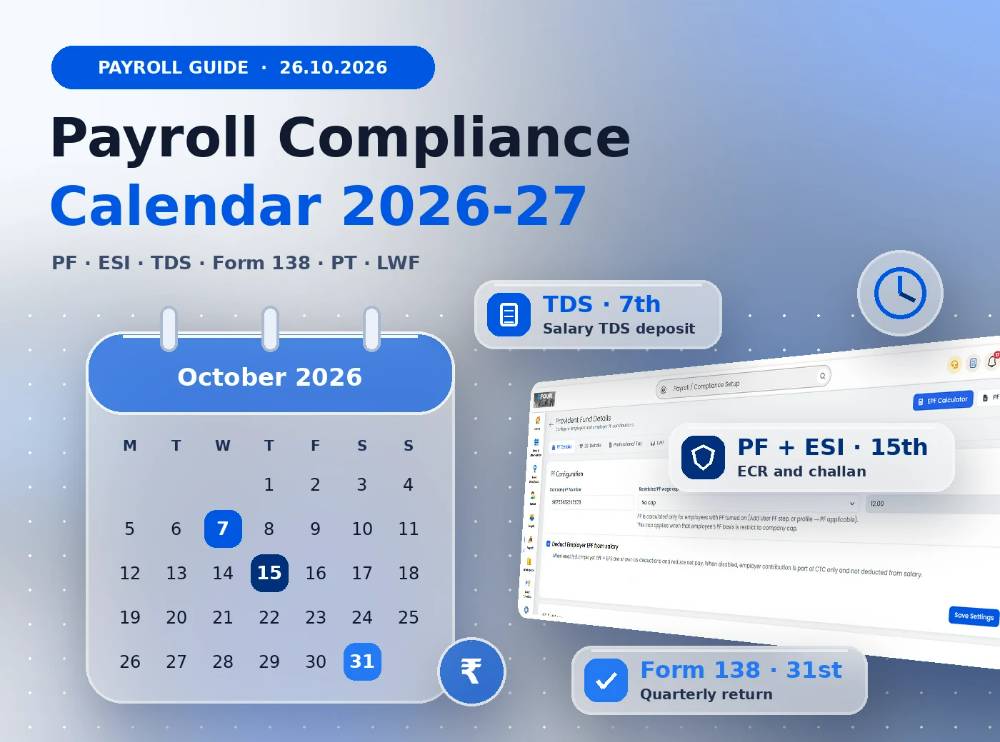
Indian payroll compliance sits at the intersection of the EPFO , ESIC and Income Tax Department, each with its own filing deadlines and penalty structure. A missed statutory deadline — not a calculation error — is typically what triggers PF or ESI penalties in practice, since manual tracking makes it easy for a filing date to slip past unnoticed on a calendar-driven process.
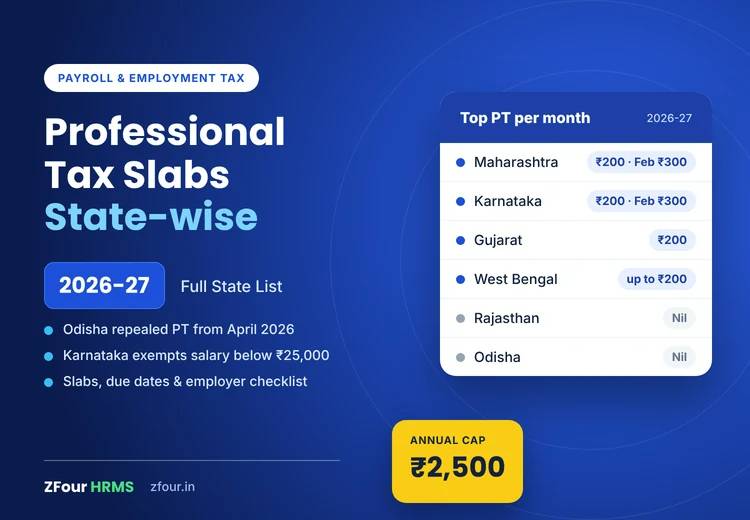
Professional Tax adds another layer of complexity, since rates and applicability vary by state — a business with employees across multiple states needs to track each state's rules separately, which is exactly the kind of detail that's easy to miss in a manually-tracked process.
For a detailed overview of statutory payroll requirements, see our Payroll Compliance in India 2026 guide.
This is where automated payroll earns its keep even for businesses that don't feel "big" yet: it isn't just about saving time; it's about removing single points of failure from a compliance-heavy process where the penalty for a missed date can outweigh months of software cost.
Can AI Tools Like ChatGPT Replace Payroll Software?
Short answer: no, but they can support the process.
General-purpose AI tools are genuinely useful for:
Drafting payroll checklists and HR policy language
Explaining payroll terminology to non-finance staff
Preparing communication templates for employees
They are not built for:
Storing sensitive employee and salary data securely
Producing audit-ready, timestamped compliance records
Applying jurisdiction-specific statutory rules with accountability
Serving as a system of record during a labour department inspection
AI tools are a helpful assistant around payroll. They are not a substitute for a compliant payroll system.
Decision Checklist: Which One Fits Your Business
Manual payroll may still fit if:
Fewer than 5 employees
Simple, fixed salary structures
Minimal statutory complexity
A temporary or early-stage setup
Automated payroll is the stronger fit if:
Growing employee numbers or increasing payroll complexity
Faster, more predictable payroll cycles matter
Multiple locations or shift patterns are involved
Reporting and audit-readiness need to improve
Employee self-service (payslips, leave balances) is a priority
How ZFour HRMS Handles Payroll Automation
ZFour HRMS is built for businesses making this exact transition from spreadsheet-dependent payroll to a system that scales with the team. It brings together:
Payroll automation — salary, deduction, and statutory calculations handled without manual re-entry
Attendance tracking — biometric, GPS, and app-based attendance synced directly into payroll
Leave management — leave balances that update automatically and feed straight into salary calculations
Payroll compliance — PF, ESI, professional tax, and TDS handling aligned to current statutory requirements
Employee self-service — instant payslip access and reduced HR query load
Centralized records — one system of record instead of scattered spreadsheets across departments
Still running payroll on spreadsheets? See how ZFour HRMS handles payroll, attendance, and compliance in one place →
Final Thoughts
The manual-vs-automated payroll question isn't really about which tool is trendier; it's about business maturity and how much operational risk a growing company is willing to carry.
If payroll is consuming disproportionate time, generating repeated errors, or creating monthly compliance stress, that's usually the clearest signal that automation has moved from "nice to have" to "overdue."
Ready to simplify payroll? Book a free ZFour HRMS demo and see how payroll, attendance, and compliance can run from one dashboard instead of a dozen spreadsheets.

Farheen Ahmed
HR Tech Content Strategist at ZFour Technology Private Limited
Research-driven content on HRMS, payroll, attendance management, employee management, and modern HR technology for Indian businesses.